In this article:
Sign-up For A New Account
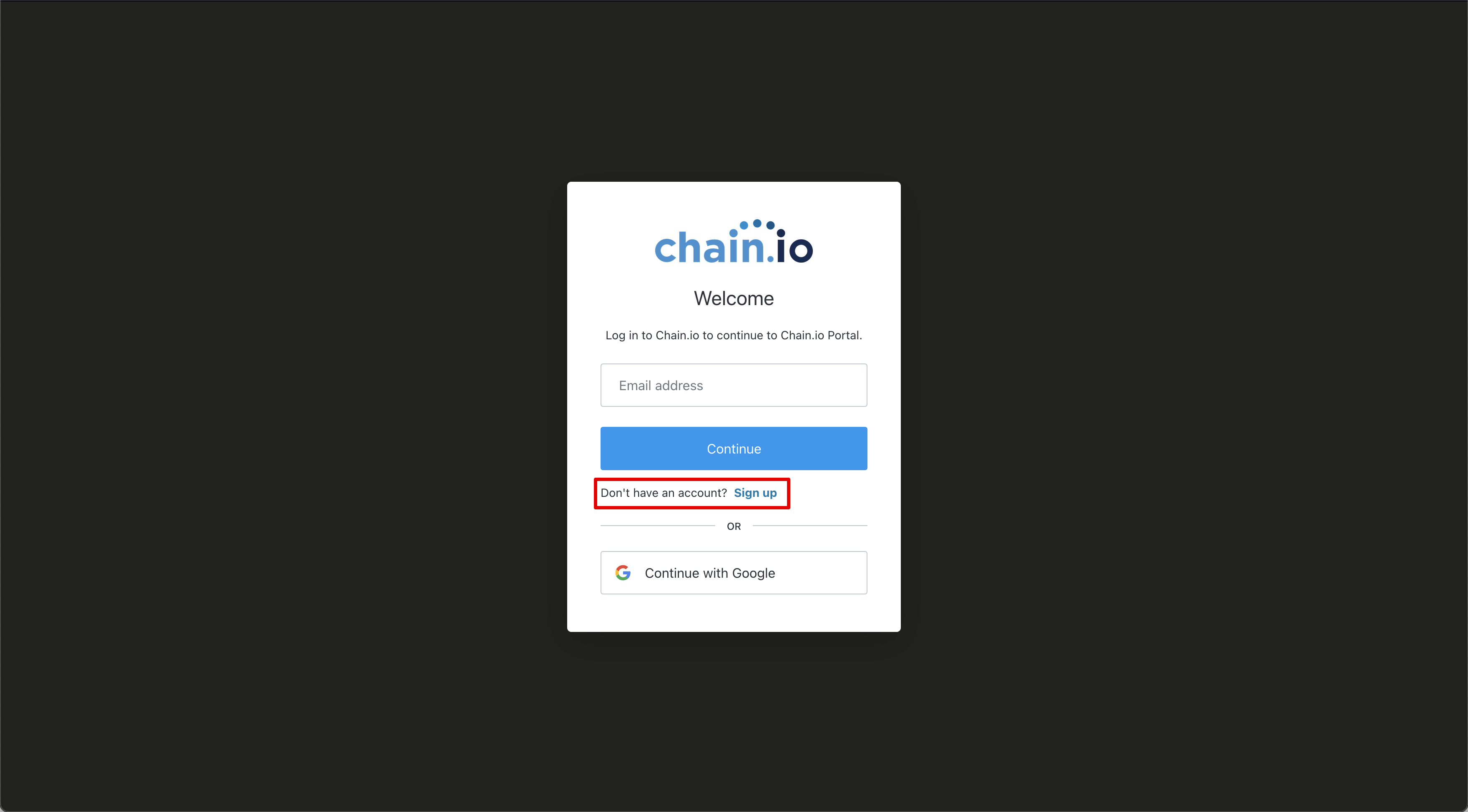
Navigate to https://portal.chain.io/ If you do not have an account, click on Sign-up just below the Continue button. The next screen will ask you to sign-up for a Chain.io account using your email address.
If you received an invite to a Chain.io workspace be sure to use the email address that the invite was sent to. After you have entered your email address, click Continue.
On the next screen you will be asked to enter your desired password. Please take note of the password requirements for a secure log in:
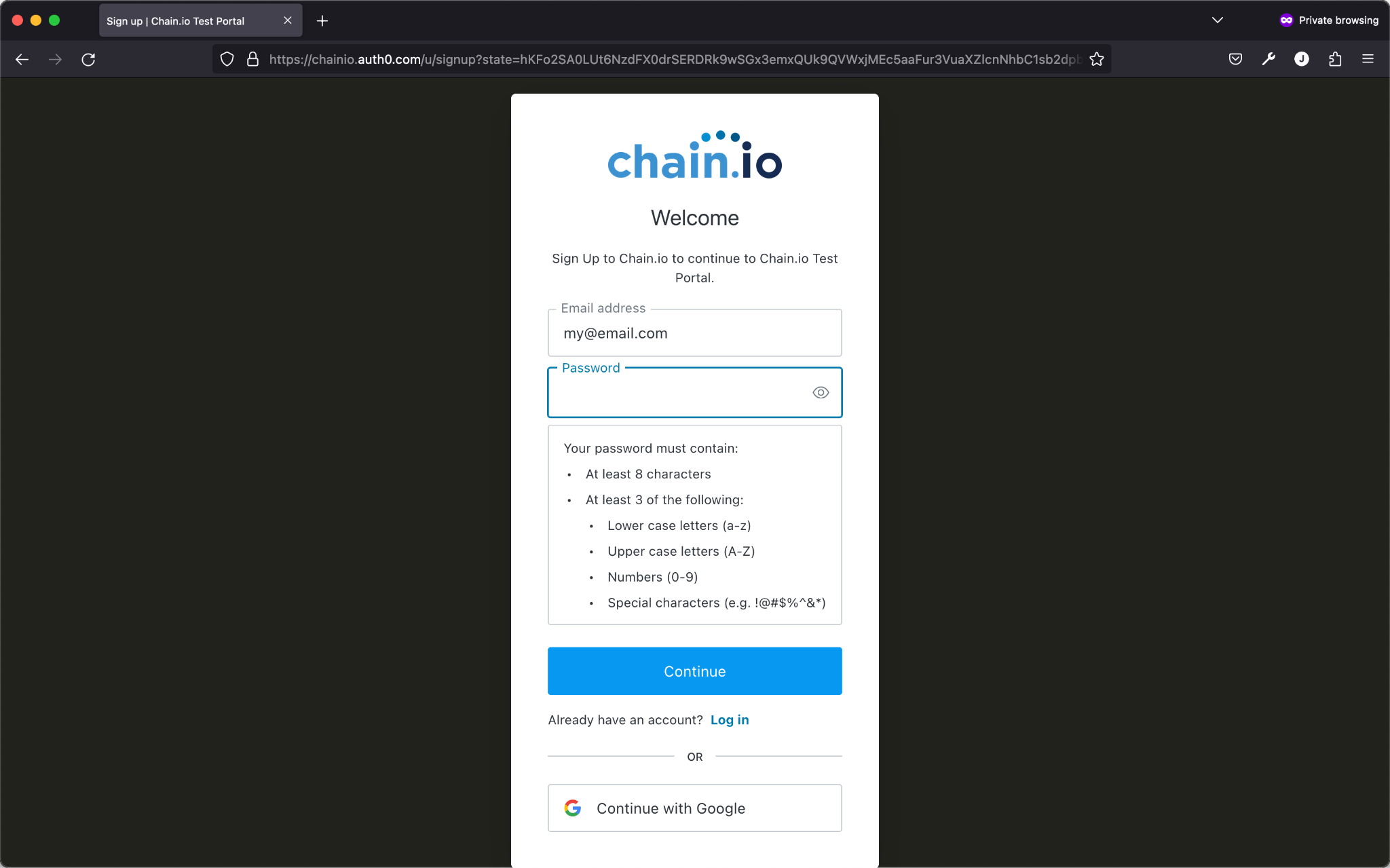
After you have entered a valid password, click the Continue button to proceed.
Multi-Factor Authentication (MFA)
On the following screen you will be asked to scan a QR code using the authenticator of your choice. See Using Multifactor Authentication in our Customer Support documentation for more information.
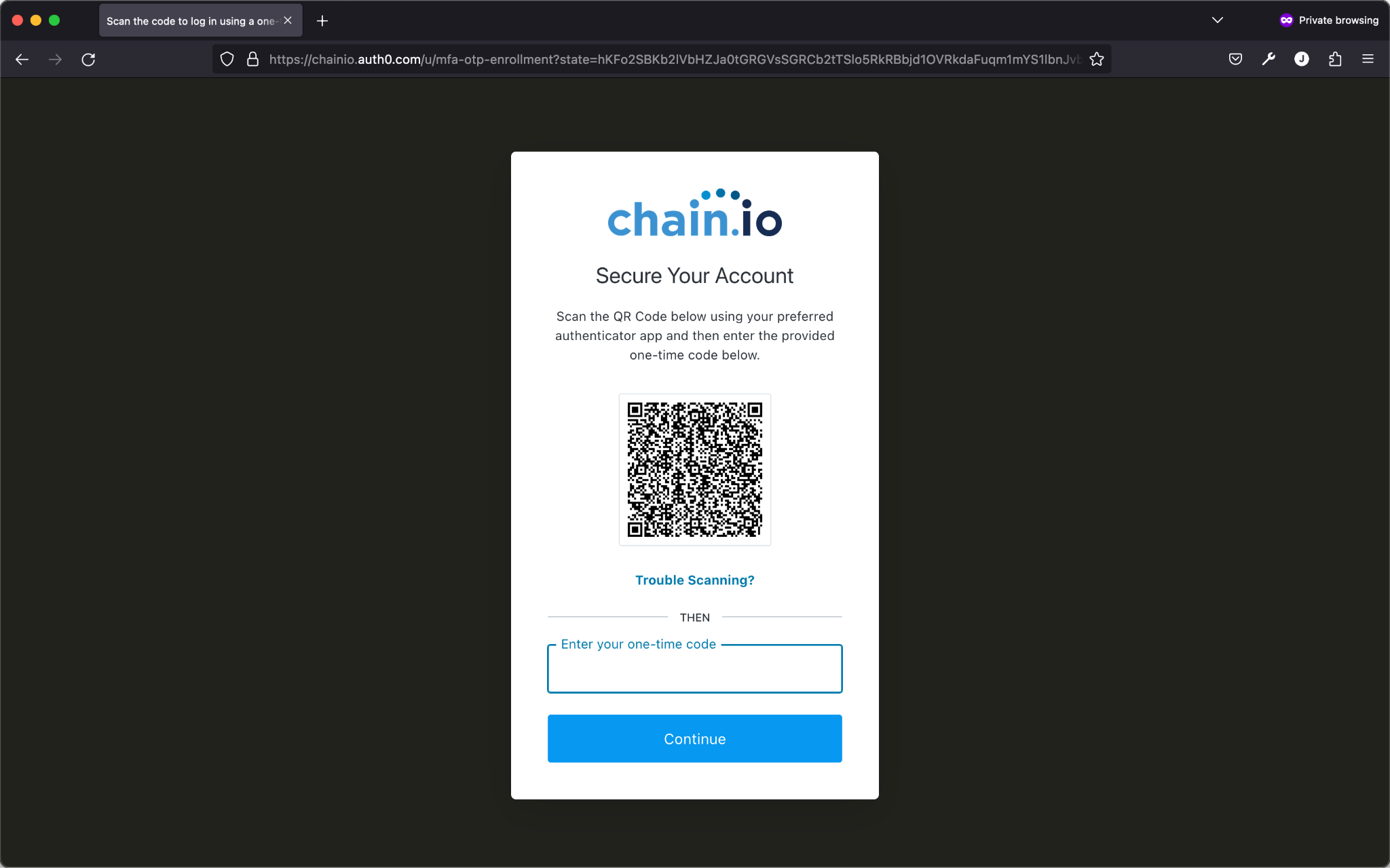
Scan the QR code using your authenticator. Then enter the one time code provided. Click Continue when completed.
Finally, you will be asked to copy and record a recovery code. This code is incredibly important and should be kept safe for future use. If, for some reason your account is not accessible using your password and MFA code, you can use this recovery code to access your account and remedy the issue.
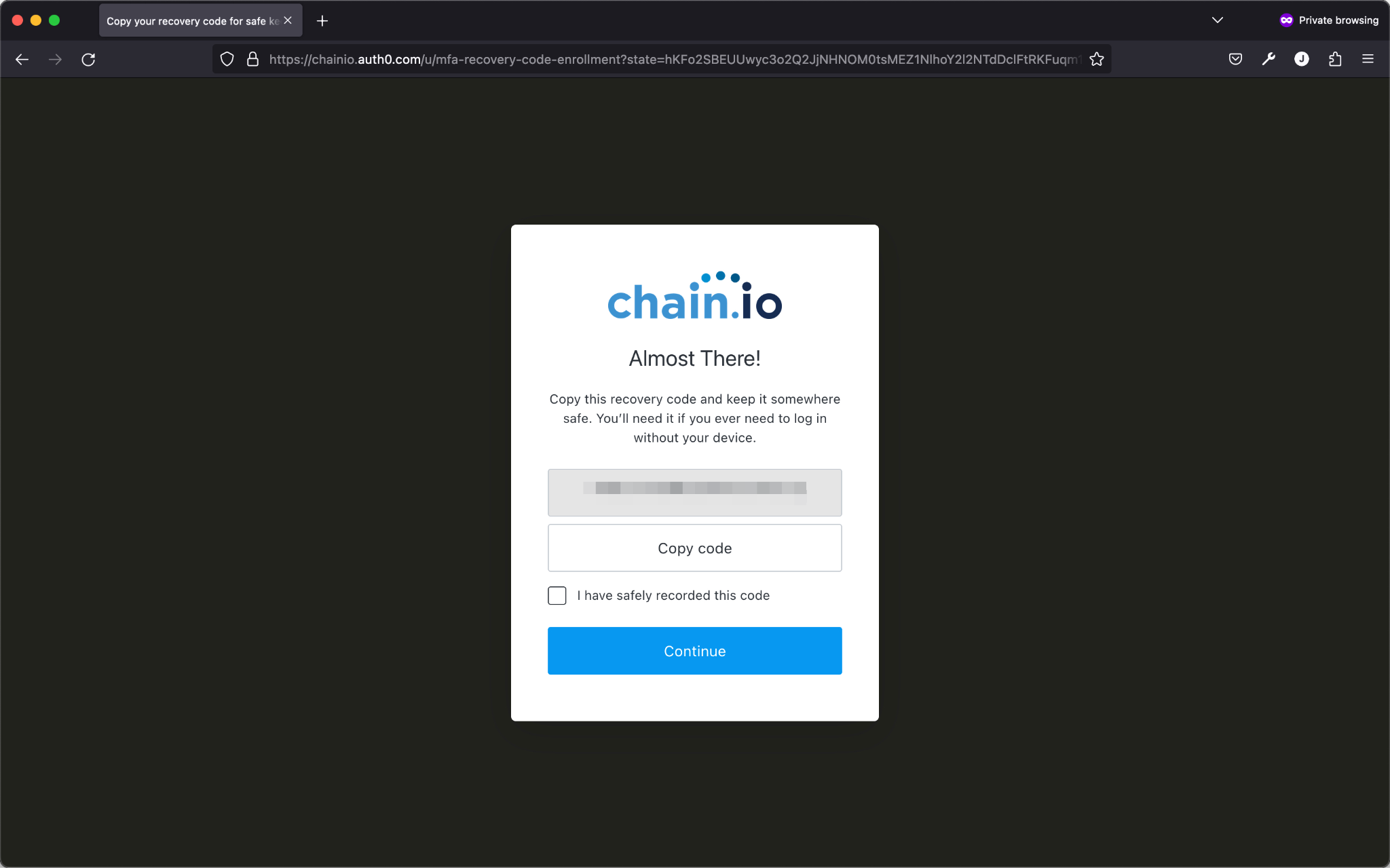
Once you have copied the code and put it in a safe place, like your password vault or authenticator. Then check the box confirming that has been done, then click Continue.
At this point you should have received an email from Chain.io about the successful registration of your login information.
Please check your email for a message from Chain.io that is asking you to confirm your email address. Once you have confirmed your email, your registration process is complete.
If you need to change any of the information you provided in this process you can refer to our support article about Resetting Passwords and MFA
Logging In To The Portal
To log in to the Chain.io portal go to https://portal.chain.io/
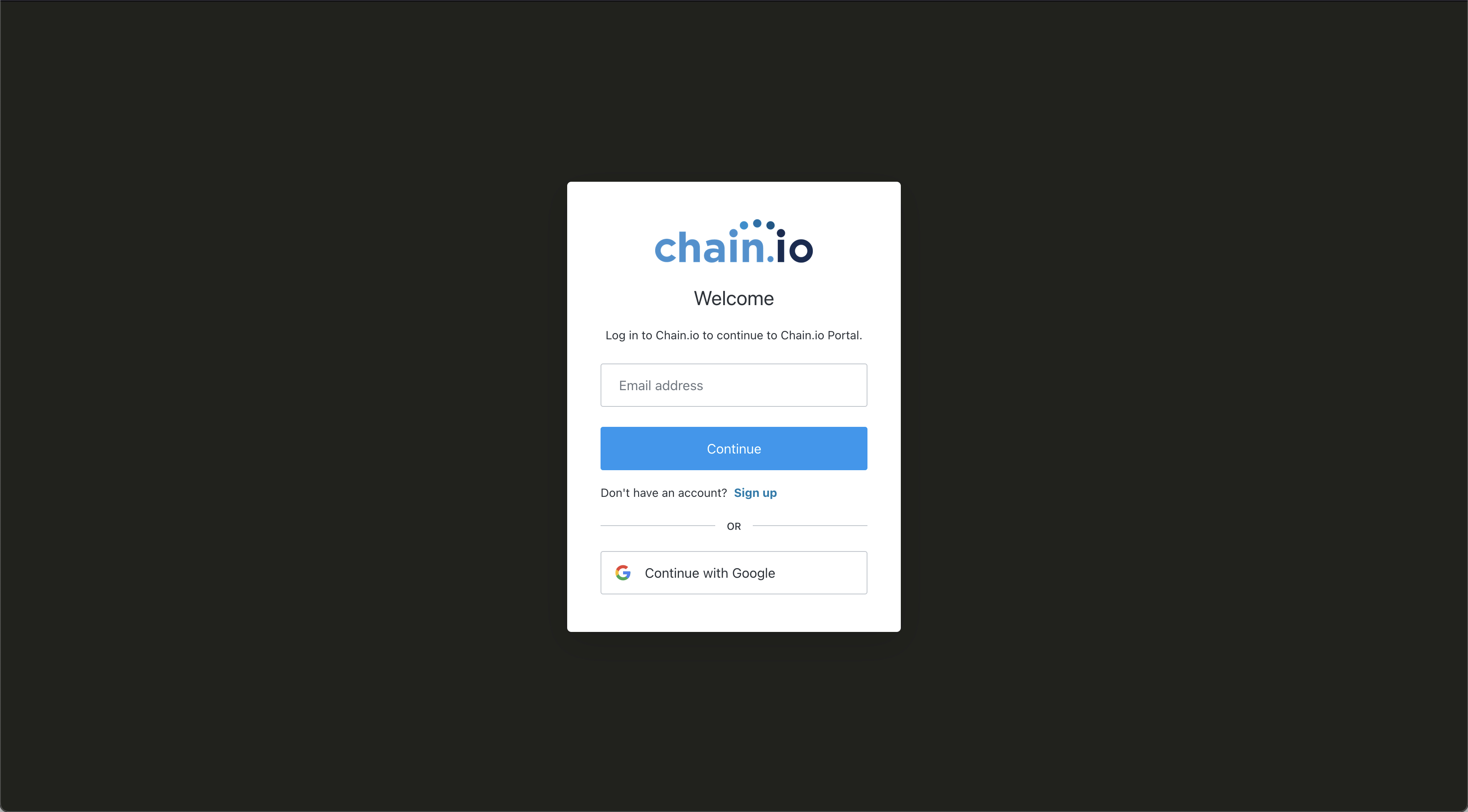
From this screen you can log in to the Chain.io portal with the email used to register your account or with your Google Workspace Account, sign-up for a new account, and recover your password if you have forgotten it.
If you already have an account, enter your email address that you used to register your Chain.io account.
On the next screen, enter your password then click Continue to proceed to login to the Chain.io portal.
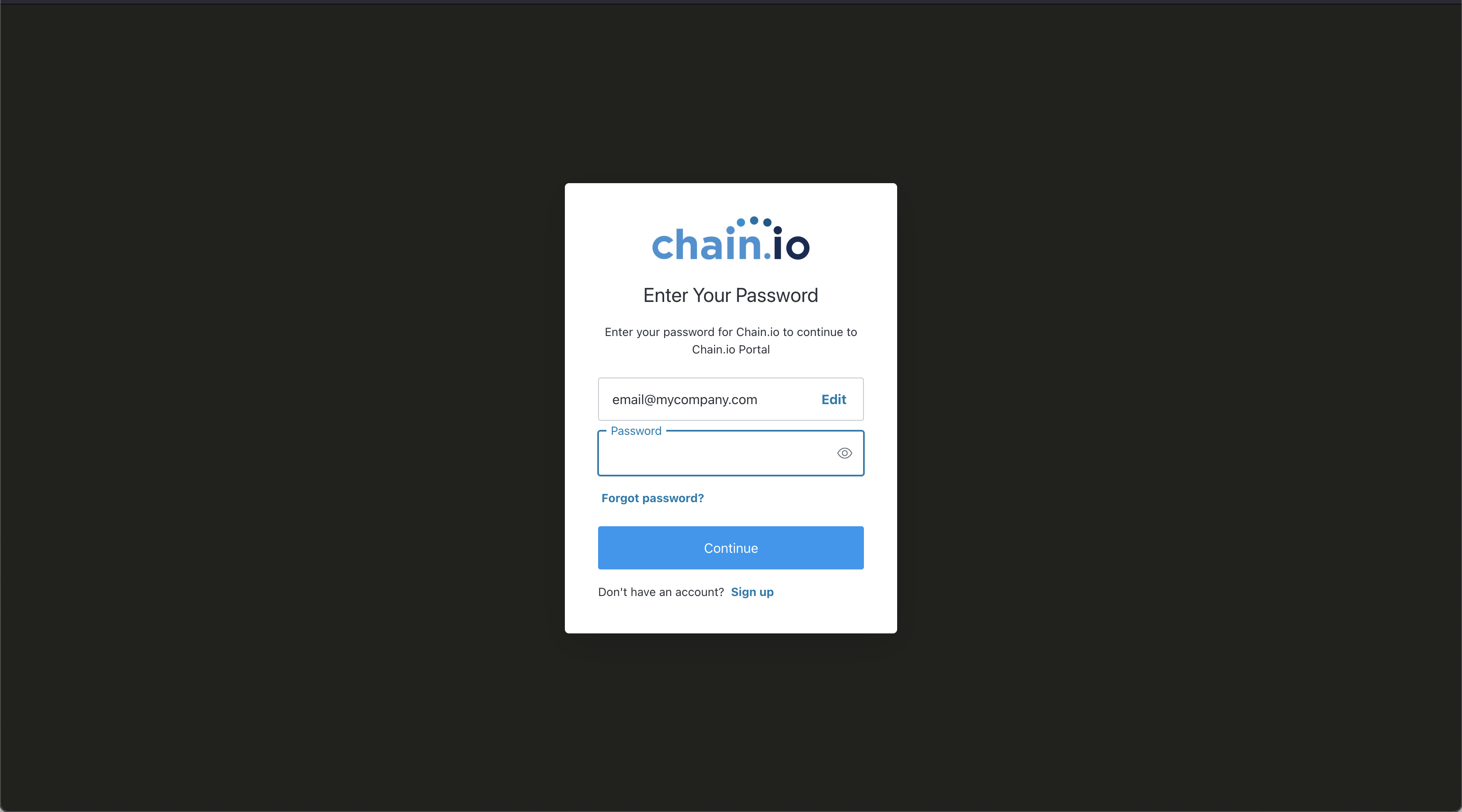
If you are using a Google account, click Continue with Google and follow the prompts to complete your log in.
If you have any trouble logging in or signing up for Chain.io please submit a support ticket
Was this article helpful?
That’s Great!
Thank you for your feedback
Sorry! We couldn't be helpful
Thank you for your feedback
Feedback sent
We appreciate your effort and will try to fix the article