If you need data sent from Chain.io comes from a predictable IP address where you can whitelist it in your corporate firewall. The "Send API" connection and "API Server" host type supports static IP addresses via a checkbox in their respective configurations.
For New Connections:
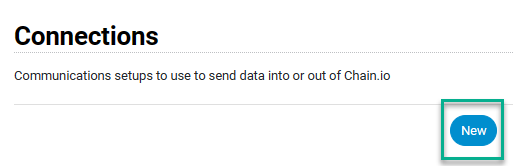
- Select 'New' Connections.
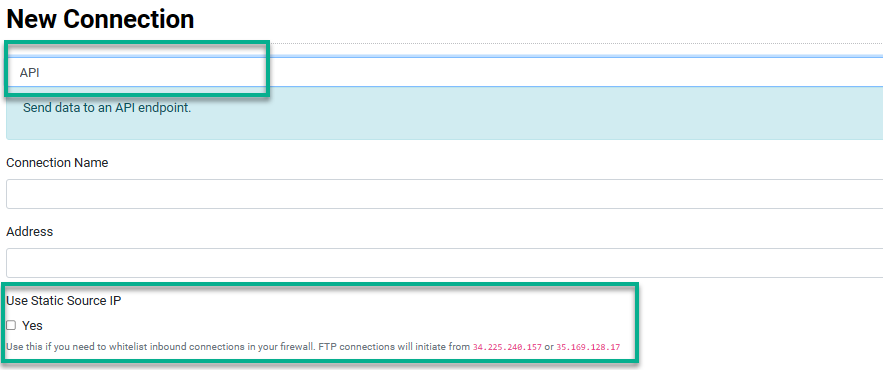
- Select 'API' under Send data from Chain.io as the connection type
- Check the Use Static Source IP checkbox in the host or connection configuration. The IP addresses will be provided in the message next to the checkbox.
For Existing Connections:
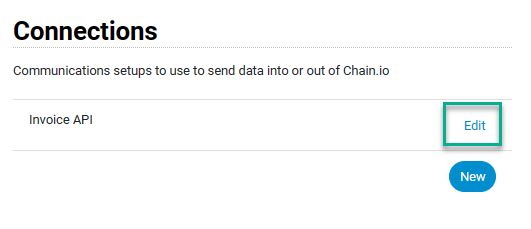
- Select 'Edit' Connection
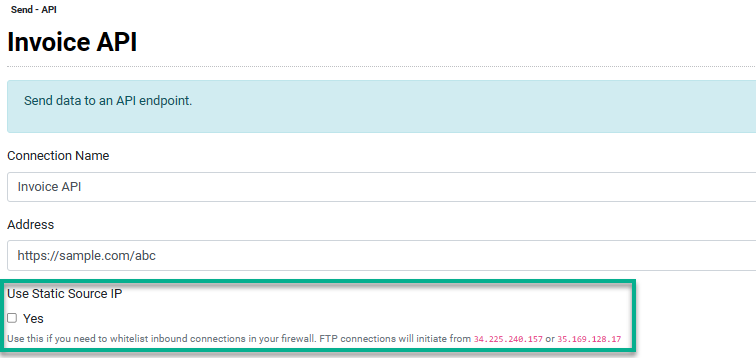
- Check the Use Static Source IP checkbox in the host or connection configuration. The IP addresses will be provided in the message next to the checkbox.
*Remember that changes to you host and connections do not update existing flows until you re-save them from the integration edit screen.
Was this article helpful?
That’s Great!
Thank you for your feedback
Sorry! We couldn't be helpful
Thank you for your feedback
Feedback sent
We appreciate your effort and will try to fix the article